Install on iPhone
- Tap Open the App above (make sure you’re in Safari).
- Tap the Share icon (the square with an up arrow, at the bottom of the screen).
- Scroll down and tap Add to Home Screen.
- Tap Add. RinkWire lands on your home screen.
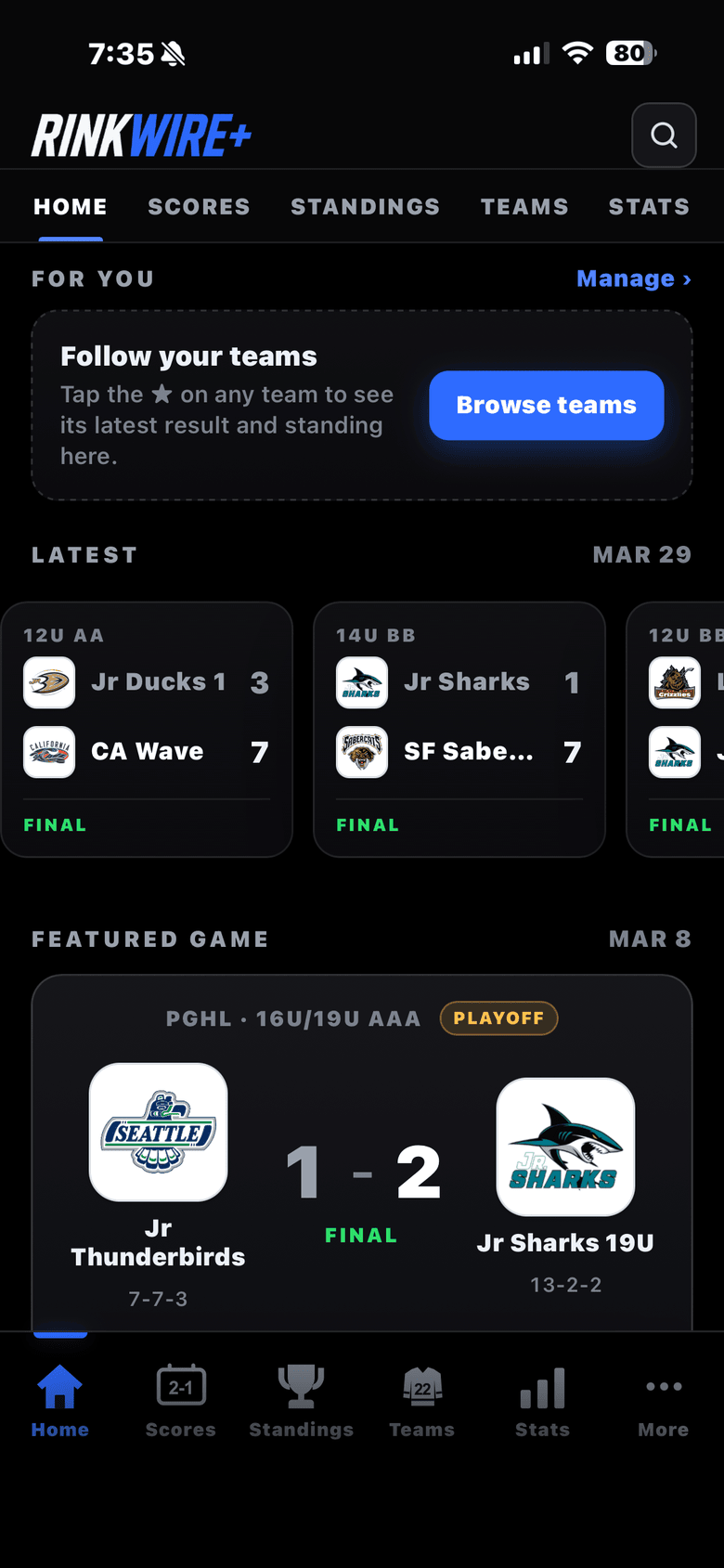
Eight California leagues, 55 divisions, one icon on your home screen. Your kid’s team opens first, scores land the moment they’re final, and you stop refreshing a league website in a freezing rink lobby.
Star a team and RinkWire starts there — last result, next game, and where they sit in the division. No league menu, no scrolling a division list to find one score.
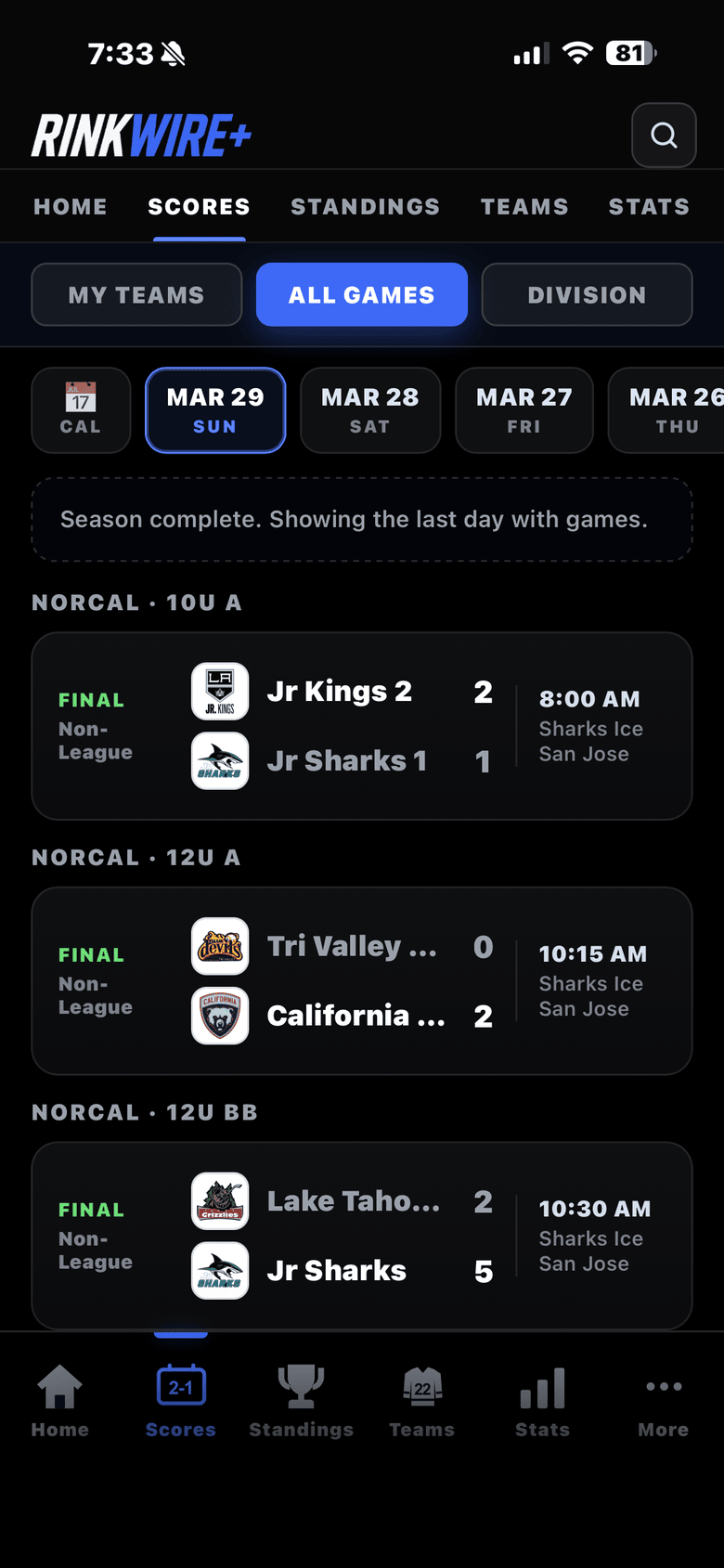
Scores by day, all eight leagues together. Swipe back through the weekend instead of opening four league sites in four tabs.
SCAHA, NorCal and CAHA carry live feeds, so goals reach your phone as they are scored. The other five send finals and a reminder before puck drop.
Eight leagues. 55 divisions. Boys and girls.
Star your teams and the app opens straight to them.
Every team’s games, past and upcoming.
Swipe across days, every league in one feed.
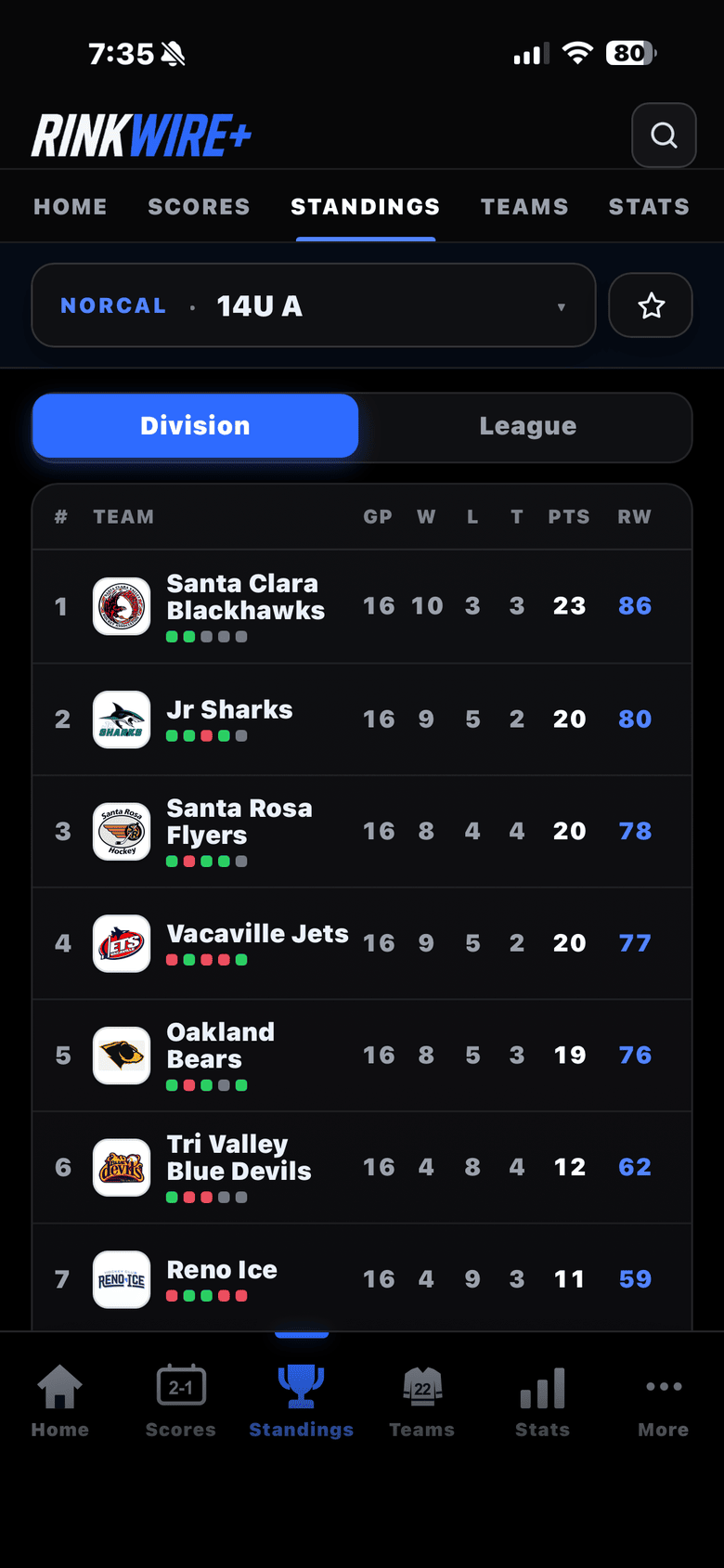
Clean mobile tables, Division or League.
The full series history between any two teams.
Two teams side by side, stat for stat.
How two teams each did against the same teams.
Rankings and team-strength ratings.
Who’s hot and who’s cooling off.
Top scorers and goalies by division.
Tap any player for their stats.
The postseason at a glance.
Where teams play across California.
Find any team, player, or rink fast.
Added to your home screen, RinkWire opens full-screen like a real app — no browser bars, no squeezed webpage. It takes about fifteen seconds.